All in 1 Matrix - RMMV - Turn your game into a retro game with one plugin!
A downloadable tool
Keep in mind you can purchase this, as well as every plugin I've ever made, and will ever make by purchasing the Plugin Pantry here:
- XyScripts Plugin Pantry: 👉 https://xyscripts.itch.io/xyscripts-plugin-pantry
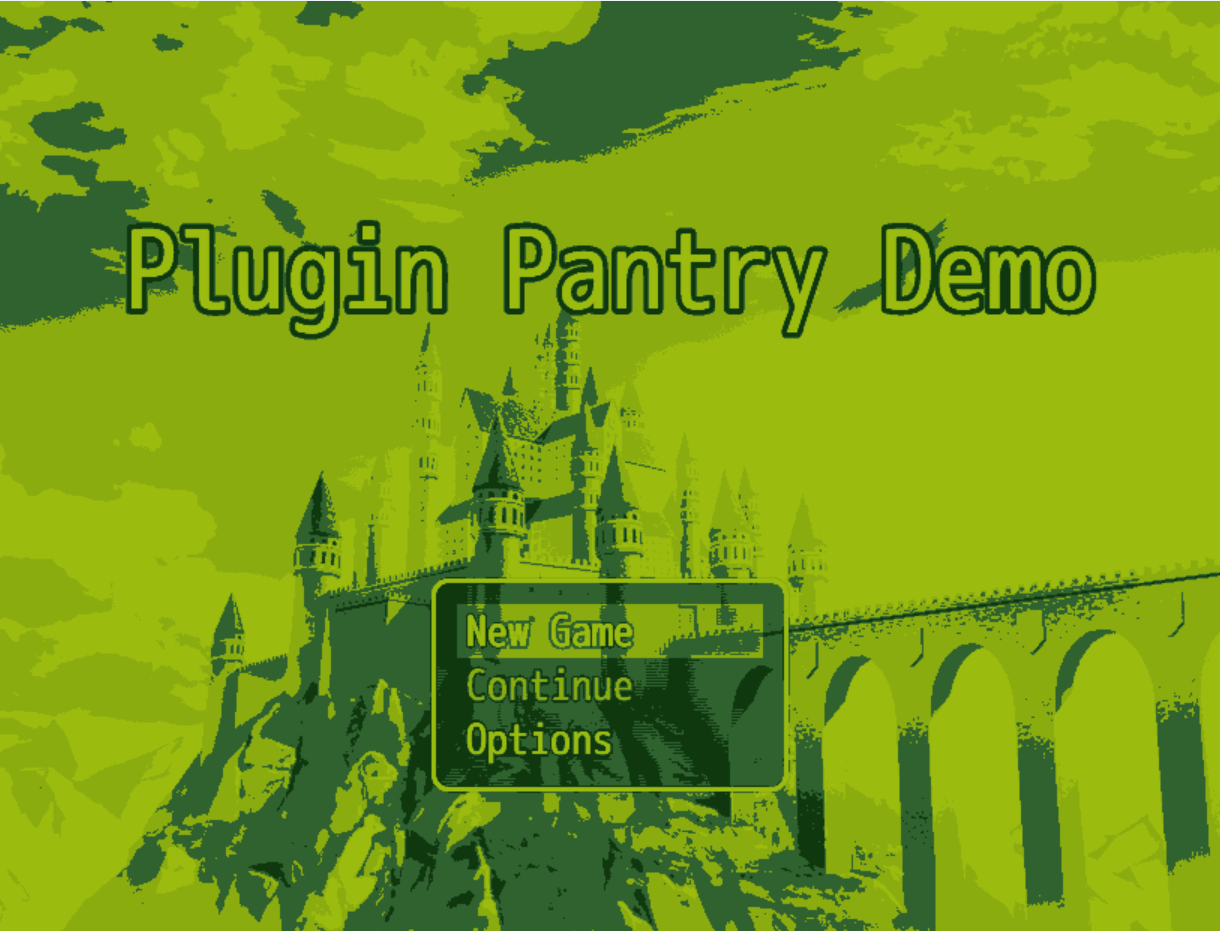
Make your RPG Maker MV game look like it's running on an old handheld, with one plugin.
Xy_DotMatrixScreen is an all in one retro screen plugin that takes over how your game looks, exactly when you want it to. With a single drop in file it can pick and choose the following:
- Crush your whole game down to chunky pixels and or a four color handheld palette
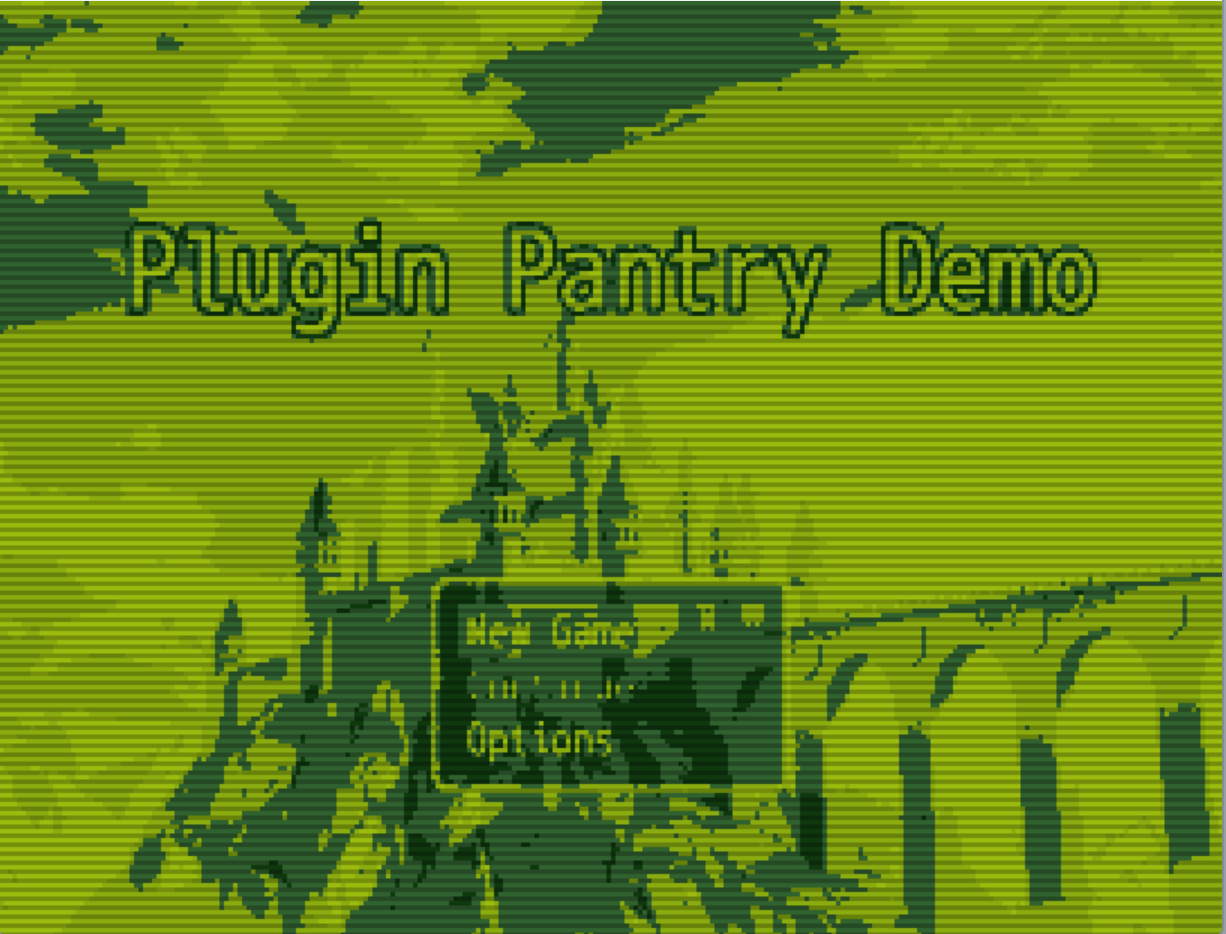
- Add simple scanlines and a soft dot matrix grid
- Keep your menus and text sharp while only the world goes retro
- Flip on and off any time, even in the middle of gameplay
Perfect for console and arcade mini games, retro inspired projects, or just giving your whole game that cozy little handheld feel.
Want a scene where the player picks up a handheld, sits down at an arcade cabinet, or boots an old console? Turn the effect on while they play, then off when they walk away. Your real game never changes, just the way it looks for that moment. I also built it so it works on any project right out of the box, with no events and no fiddly setup to get going.
Features
- 🟩 Four color handheld palettes Knock your whole game down to four shades, just like the old screens.
- Built in presets: DMG Green, Light Green, and a grayscale Pocket Gray.
- Or set your own four colors with Custom.
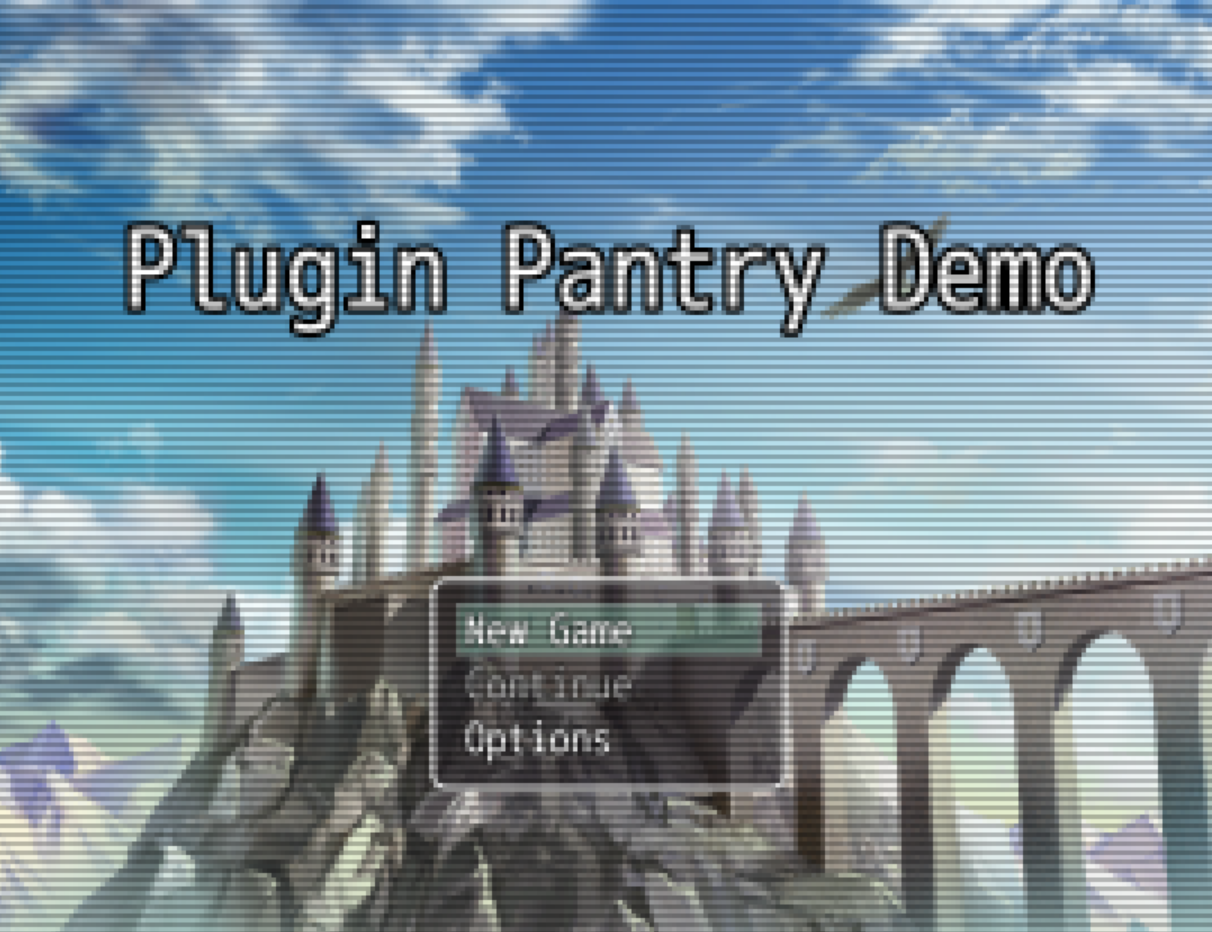
- Or pick Off to keep your real colors and just use the pixels, grid, and scanlines.
- 🧱 Chunky pixelation Turn any tileset, sprite, and map into big retro pixels.
- One Pixel Size setting controls how blocky it gets.
- Crank it up for a true handheld crunch or keep it light.
- 🔡 Sharp Text and Menus This is the part I'm proud of. Your world gets pixelated while your windows, menus, and text stay crisp and easy to read.
- No more squinting at your own battle screen.
- Turn it off if you want the whole screen pixelated together for a more pure look.
- 📺 Optional scanlines Add that old screen line look on top, with adjustable strength. Off by default since a real handheld never had them.
- 🔳 Dot matrix grid A faint grid between the pixels for that LCD feel, also adjustable.
- 🖼️ Console frame Wrap the screen in a chunky bezel so it really looks set into a little gadget.
- Custom body color, lip color, rounded corners, and thickness.
- It is a border only, so it never blocks clicks or touch input.
- 🔀 Toggle it whenever you want Turn the whole look on and off mid game with a switch, a plugin command, a script call, or even a key while testing.
- Great for cutscenes, flashbacks, dream sequences, or that console mini game.
- 🎨 Swap palettes on the fly Change the colors from a script during the game, or flip it to Off and back, all live.
How it works (quick version)
- Install
Xy_DotMatrixScreen.jsintojs/plugins/and turn it on in Plugin Manager. - That is basically it. By default your game boots up chunky and green with readable menus.
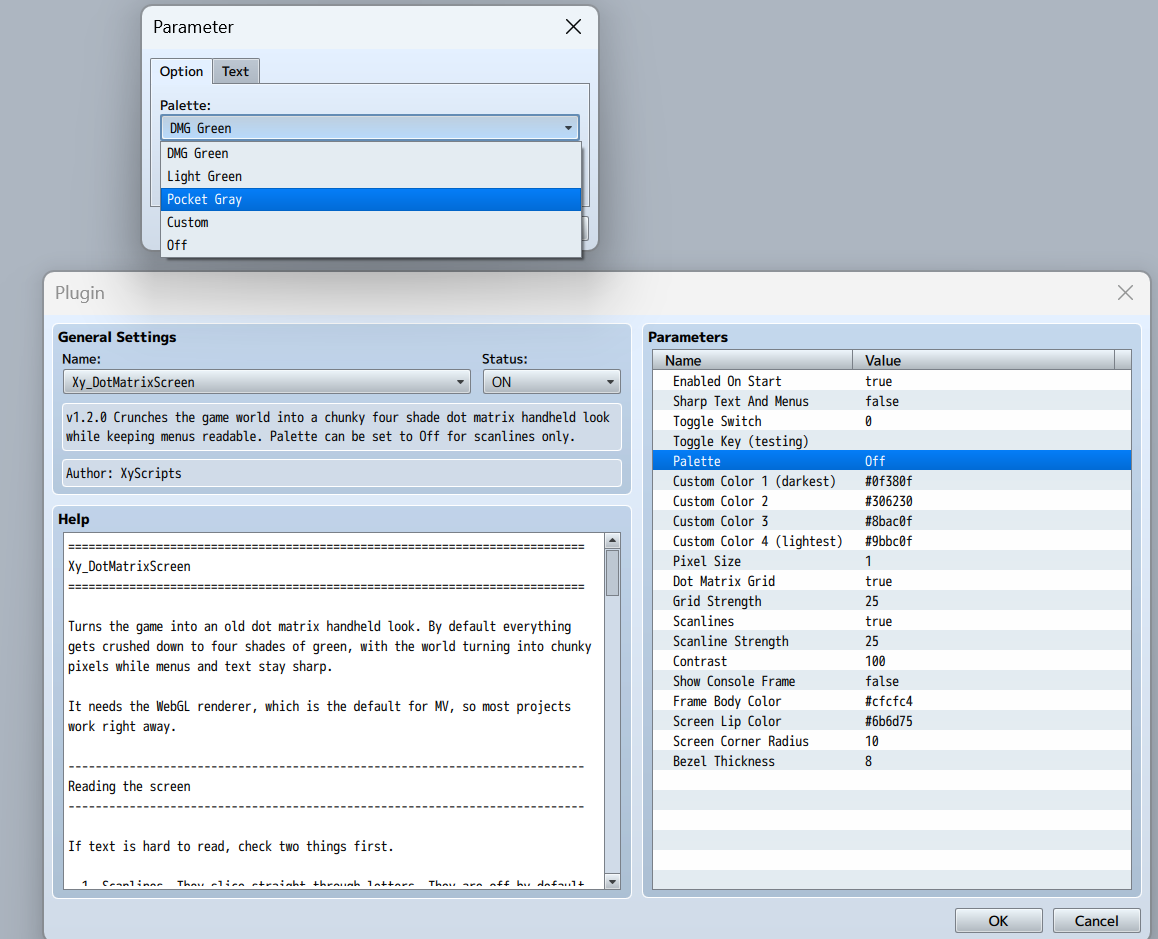
- Pick your Palette: DMG Green, Light Green, Pocket Gray, your own Custom colors, or Off.
- Set Pixel Size for how chunky the world gets. Higher is blockier.
- (Optional) Turn on the Dot Matrix Grid and Scanlines and dial their strength to taste.
- (Optional) Turn on Show Console Frame to wrap the screen in a handheld shell.
- Want it to only show at certain times? Turn Enabled On Start off and flip it in game whenever you like.
Turning it on and off in game
Plugin commands (drop these in an event):
text
DotMatrix on DotMatrix off DotMatrix toggle -- or short form -- DMScreen on DMScreen off DMScreen toggle
Script calls (the Script... command, or anywhere you run code):
text
XyScripts.DotMatrix.on(); XyScripts.DotMatrix.off(); XyScripts.DotMatrix.toggle(); XyScripts.DotMatrix.setPalette("Light Green"); XyScripts.DotMatrix.setPalette("Off");
You can also bind it to a switch in the parameters, so the effect simply follows that switch on and off.
(Quick note: the color effect runs on the WebGL renderer, which is MV's default, so almost every project is good to go.)
Terms of Use
- ✅ Completely free for both commercial and non-commercial projects.
- ✅ You may modify this plugin for your own games.
- ✅ No hidden license.
The only requirement: Please credit XyScripts somewhere in your game (credits, plugin list, readme, etc). A link back to this page or the Plugin Pantry is appreciated but not required.
Support XyScripts
If you like this and want more MV/MZ tools:
🧩 All my current and future plugins in one bundle
- XyScripts Plugin Pantry: 👉 https://xyscripts.itch.io/xyscripts-plugin-pantry
🧰 All XyScripts projects and tools
- Main itch.io page: 👉 https://xyscripts.itch.io
🎥 Video guides, showcases, and devlogs
- XyScripts on YouTube: 👉 https://www.youtube.com/@XyScripts
Rating, commenting, or sharing the plugin helps a ton. If you use it in a project, feel free to drop a link so I can check it out!
Download
This tool is currently unavailable
Leave a comment
Log in with itch.io to leave a comment.